

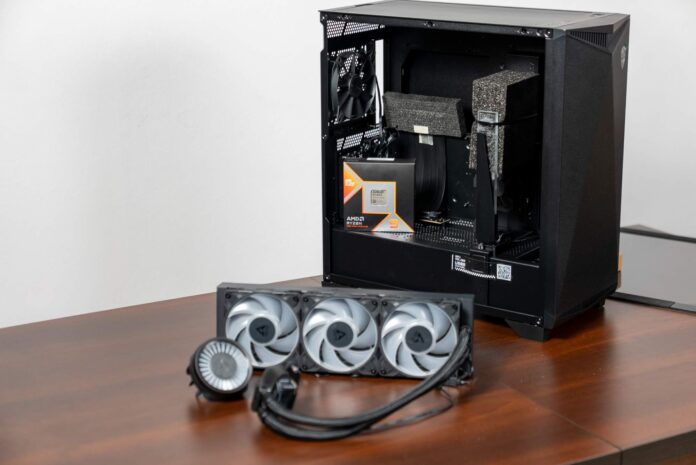
Arctic Liquid Freezer III Pro 360 A-RGB is Arctic’s latest All-in-One liquid cooler, from a company known for efficient, competitively priced solutions. I decided to see how the Liquid Freezer III Pro 360 performs in practice by installing it in my PC powered by an AMD Ryzen 9 9950X3D
First impressions
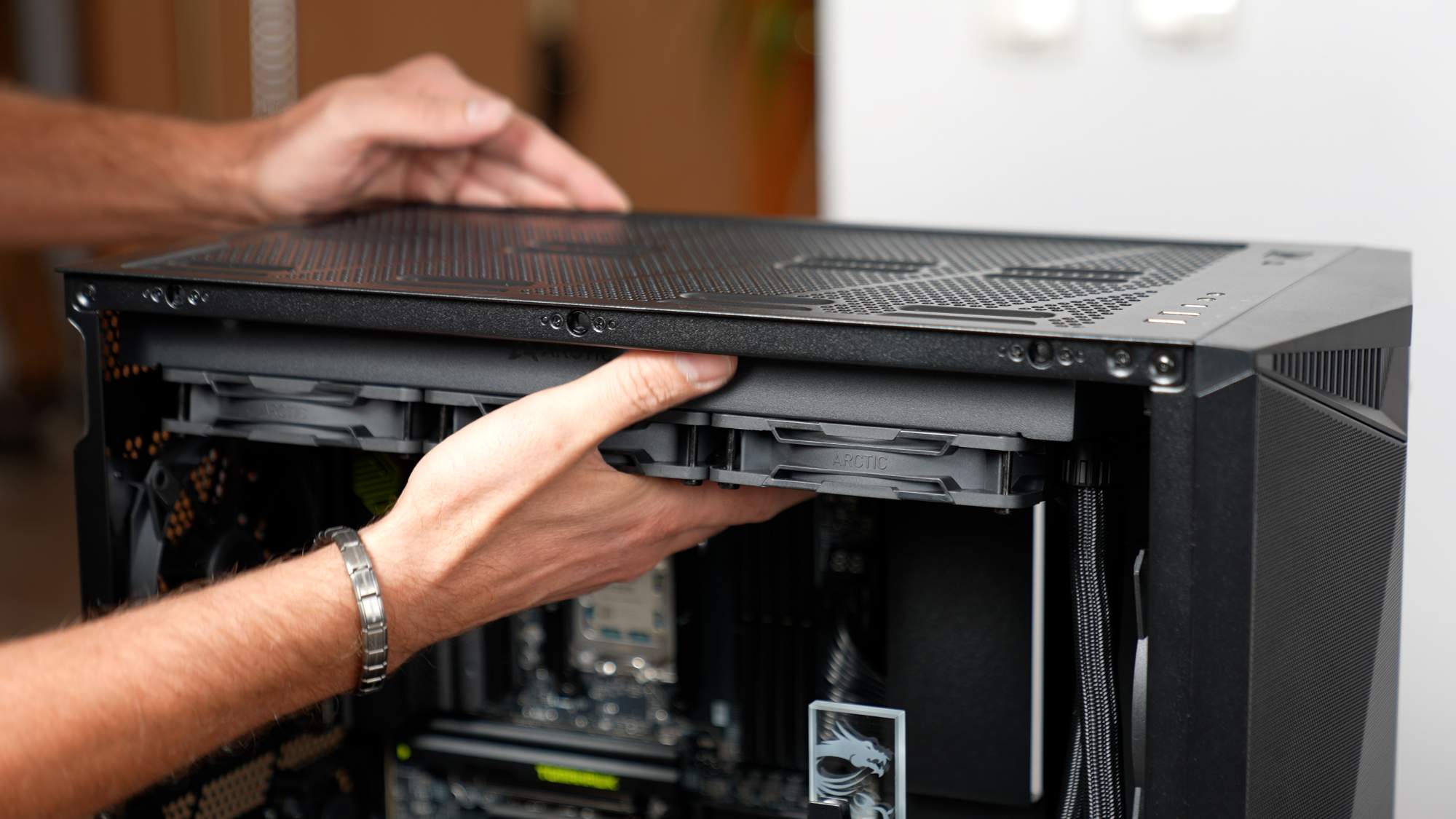
Arctic used an above-standard radiator thickness (38 mm instead of the typical ~27 mm), which together with the fans gives a total stack of about ~63 mm. Such a hefty radiator holds more liquid and disperses heat more effectively during load spikes, but it does require making sure your case has enough clearance (around 63 mm) for installation. The radiator itself is made of aluminum, and the cold plate base is copper with micro-fins for efficient heat transfer. I installed the radiator in the MSI Gungnir 300P Airflow case.
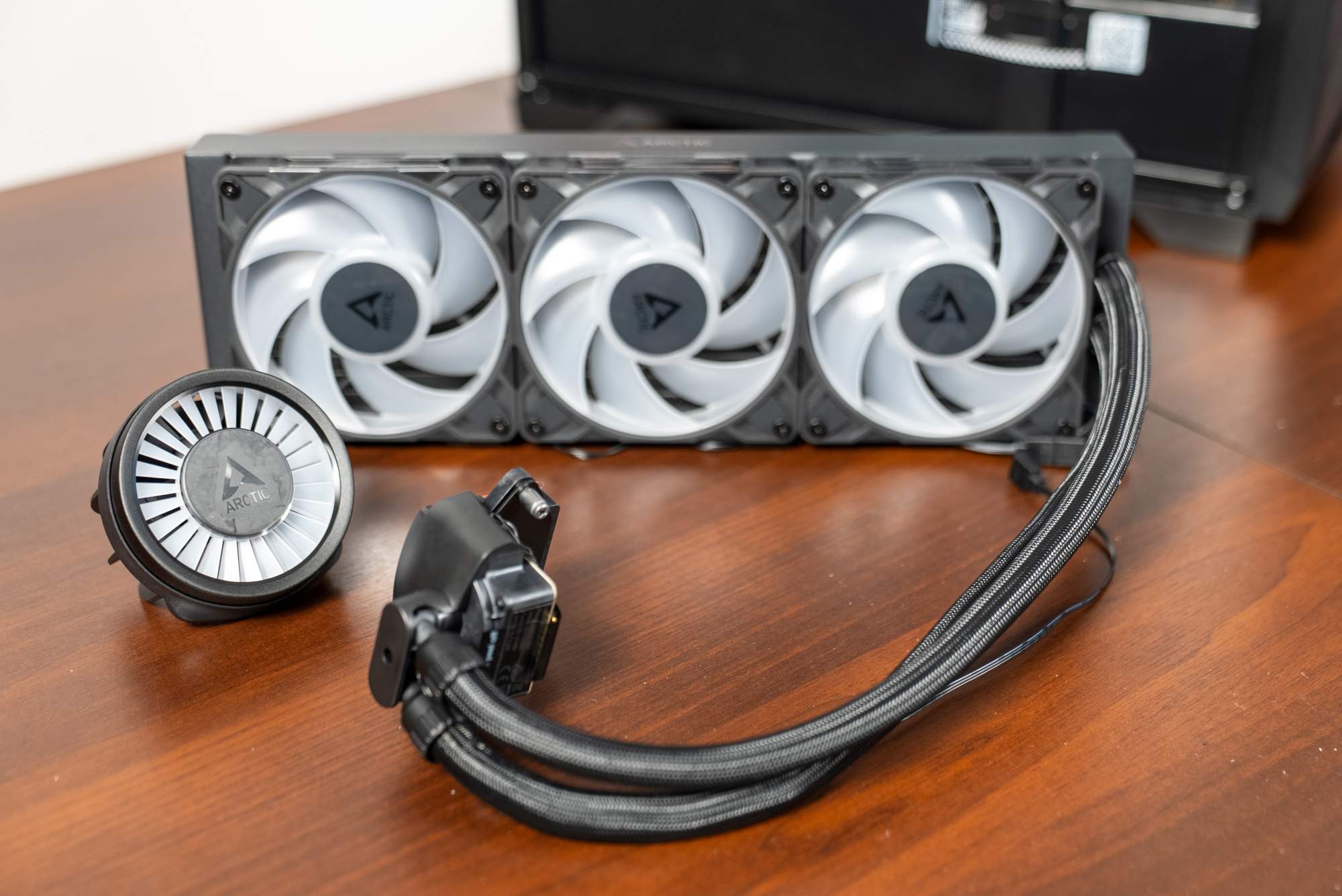
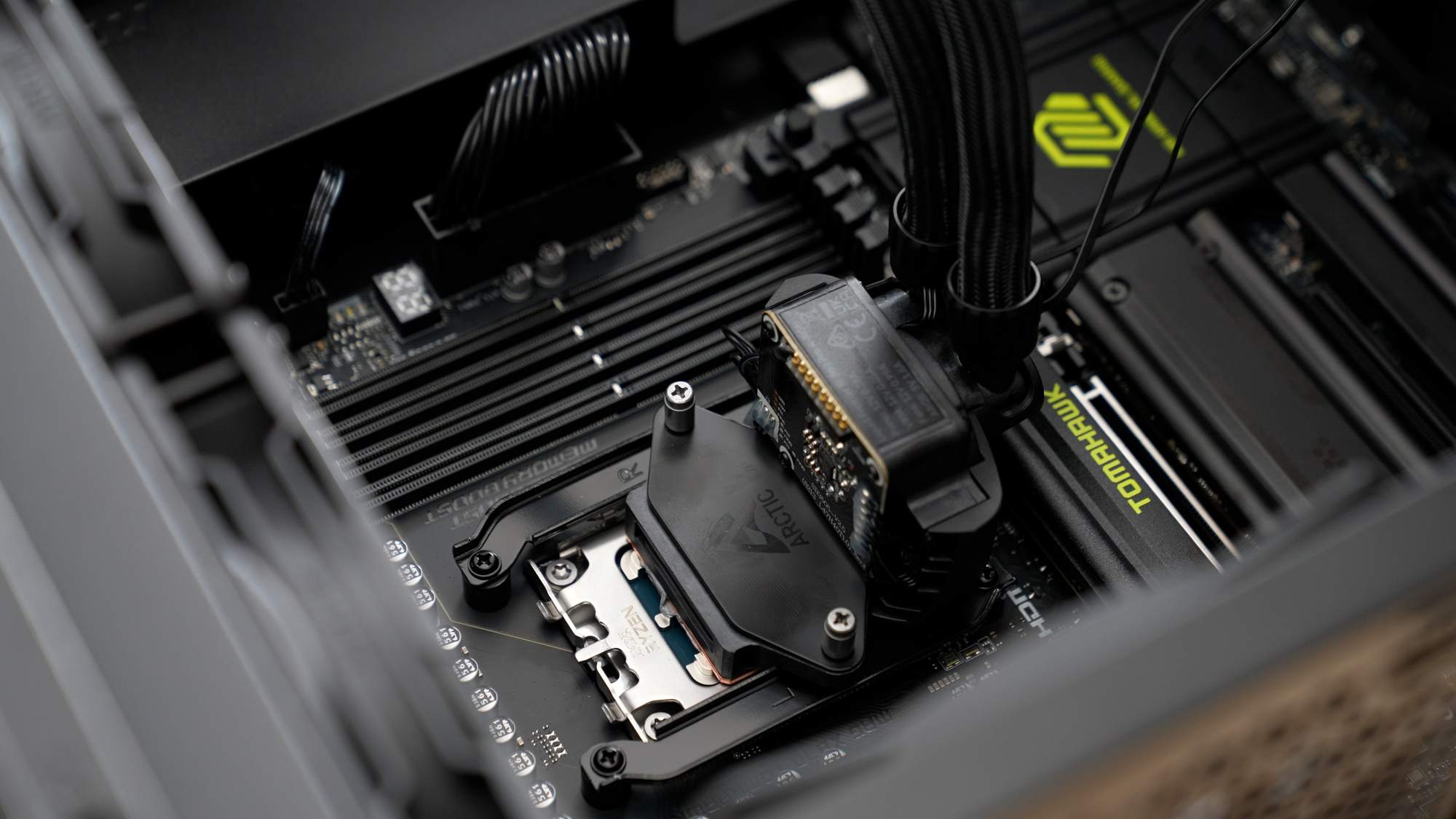
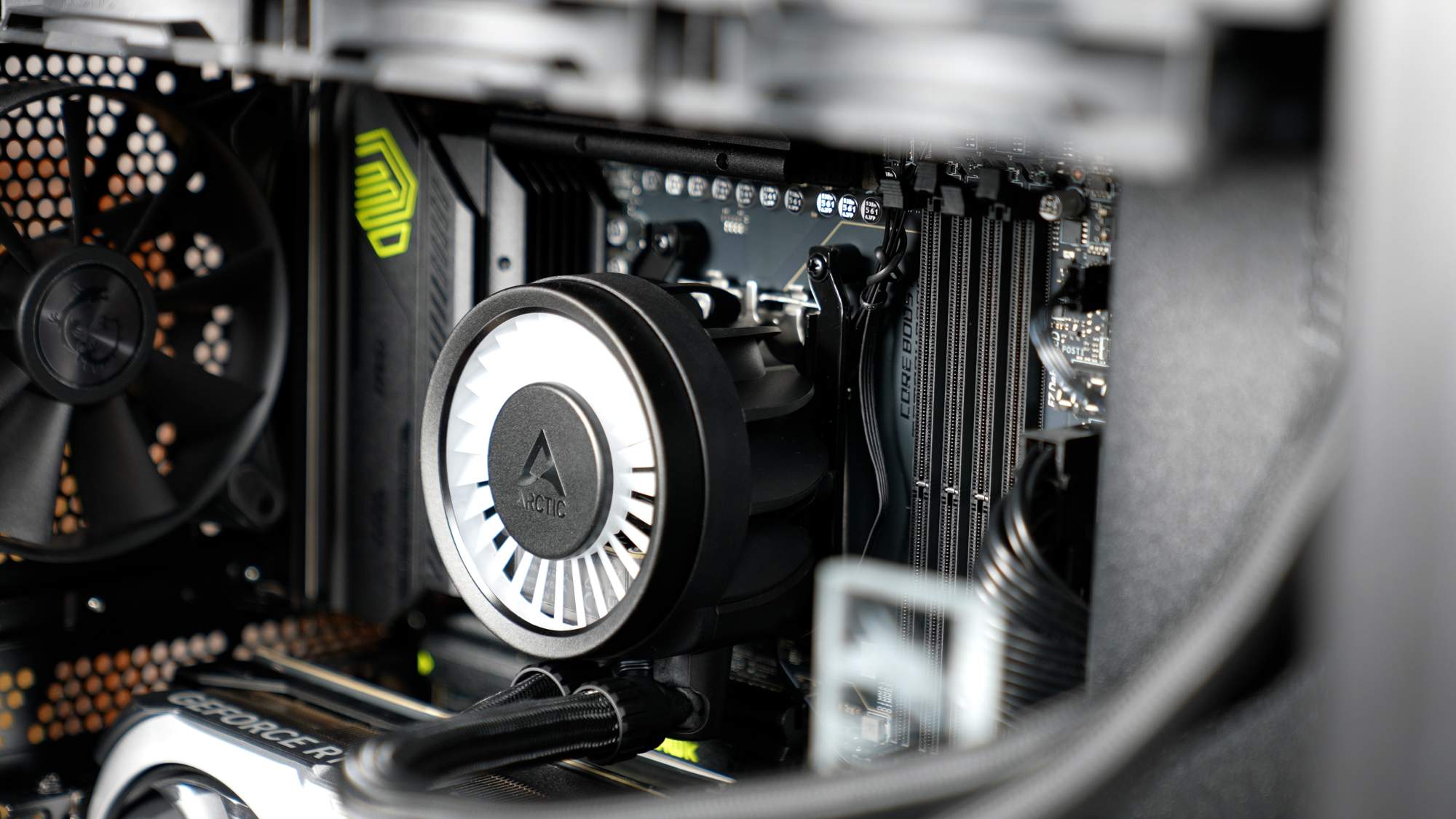
At the heart of the kit is a water block with an integrated PWM pump (800-2800 RPM) and a unique 40 mm VRM fan placed under a removable cover on the block. This small fan is meant to provide additional cooling for the motherboard’s power delivery area, lowering VRM temperatures and improving stability under heavy loads. The block also integrates A-RGB lighting (12 LEDs) that illuminates its top section.
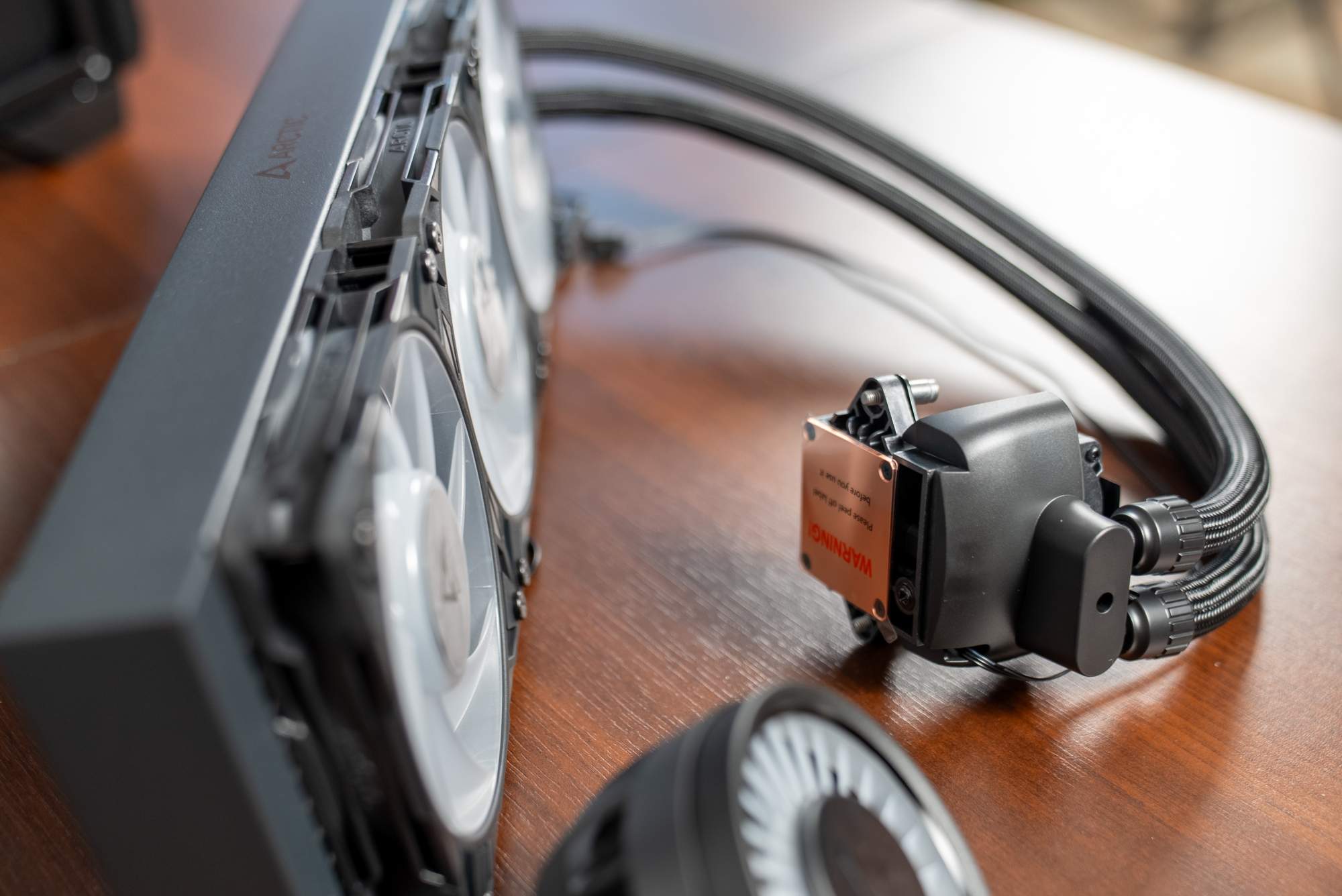
The included fans are three new Arctic P12 Pro A-RGB 120 mm units with FDB bearings. Their specs are impressive. They have 7 blades (the previous generation had 5) and spin from 600 up to 3000 RPM, delivering airflow up to 77 CFM and extremely high static pressure of up to 6.9 mm H₂O. That high pressure lets them push air through the thick radiator effectively, translating into excellent cooling performance. Arctic claims the new P12 Pro matches the performance of the earlier P12 Max fans but with lower noise.
A positive worth noting is the clever cabling. The fan wires are routed inside the sleeving together with the pump cable, so after installation there’s no cable mess inside the case. In the box you get a full set of mounting hardware (AMD AM4/AM5, Intel LGA1700/1851), a portion of Arctic MX-6 thermal paste, and instructions (online via a QR code). The manufacturer provides a 6-year warranty, which is a big plus.
Installation and design
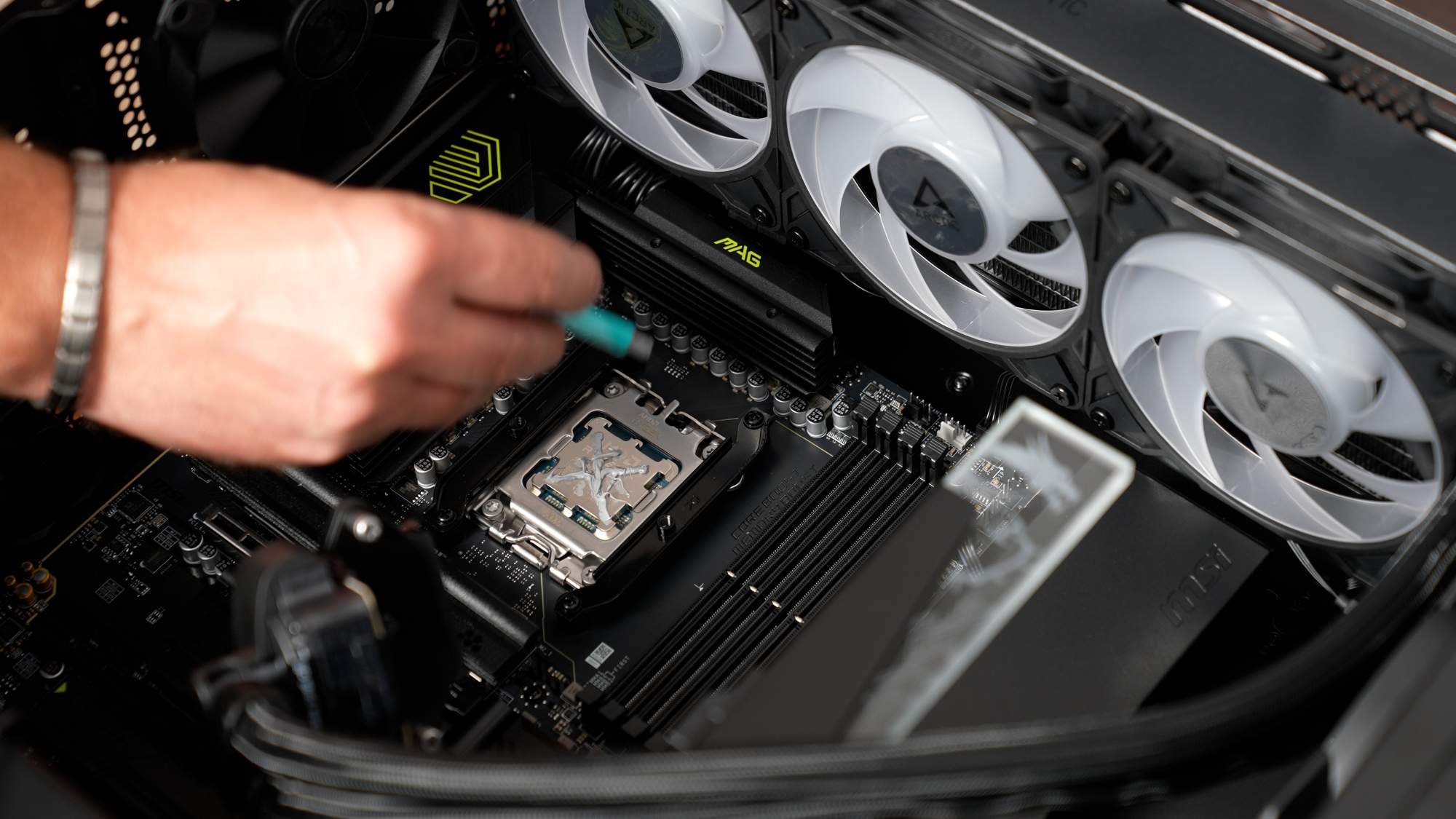
Installing the Liquid Freezer III Pro 360 went smoothly for me. I used the standard backplate and two mounting bars for the block, tightened with spring-loaded screws. I mounted the radiator at the top of the case. I have to admit the sleeve around the liquid tubes is fairly stiff, so you can’t always route them exactly how you’d like in the case. My case is quite large, so the radiator fit perfectly above the motherboard and looks great. With smaller cases, you need to carefully check whether there’s enough room for this huge radiator. 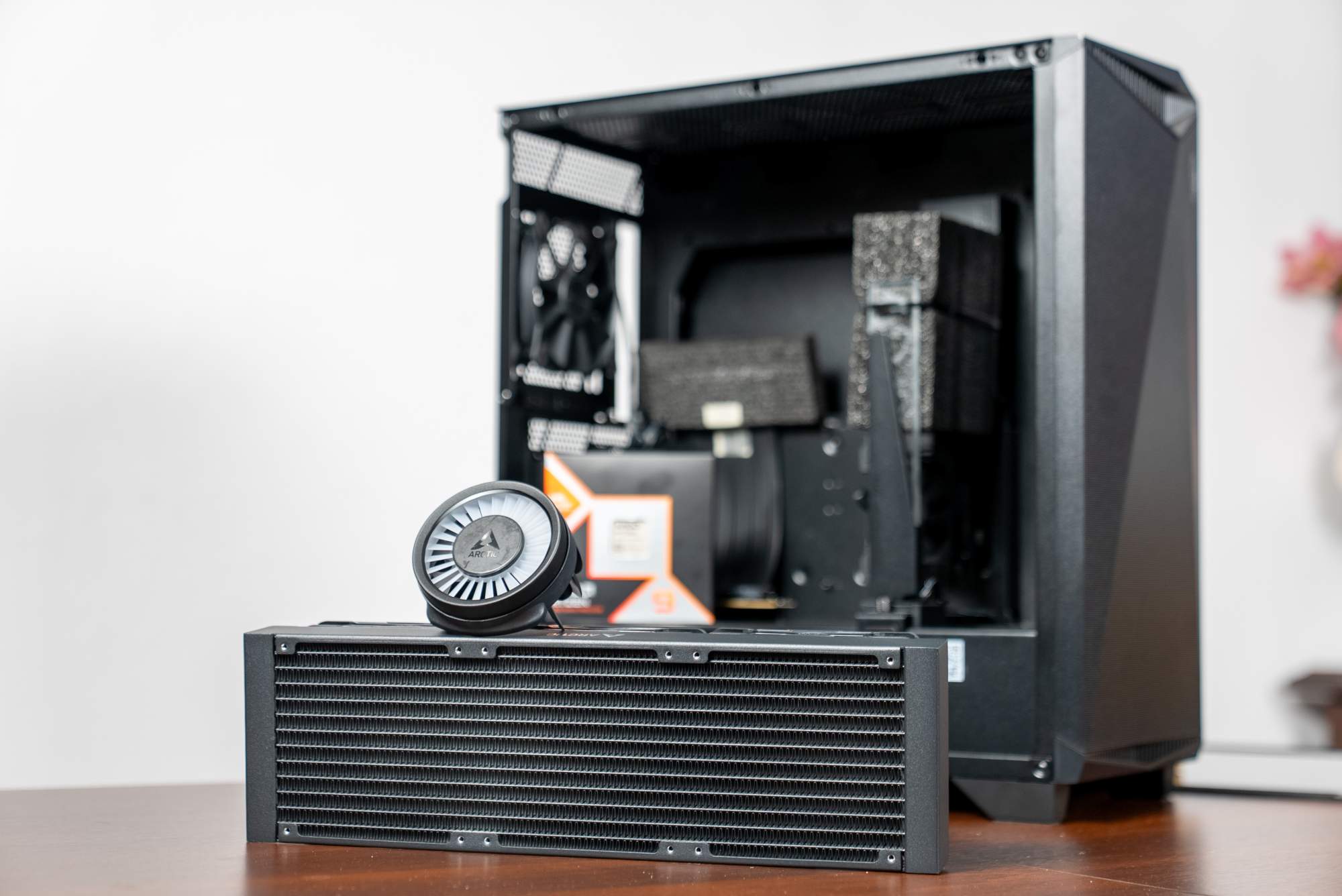
The AIO’s water block immediately draws attention. You can see the illuminated circular cover that imitates a turbine rotor, hiding the small VRM fan underneath. Unfortunately, the effect isn’t impressive. Without any visible movement it looks like the “turbine” in the block isn’t spinning at all. The radiator fans glow with vivid colors, but when mounted at the top of the case they remain invisible from the outside, even if the PC is on a desk with a windowed side panel, so the ARGB effect can easily be missed. For people who want flashy lighting, this can be a downside, but the block’s minimalist look may appeal to those who prefer a more restrained aesthetic. If needed, you can remove the plastic “turbine” cover without affecting the cooler’s operation.
Overall build quality is very good. The rubber tubes are thick and reinforced with sleeving, the fans include anti-vibration rubber pads, and the whole set feels solid. The design is functional with a touch of RGB. It’s not as loud visually as some competitors, but it isn’t completely plain either.
Cooling performance
Moving to the most important part, performance: the Arctic Liquid Freezer III Pro 360 performs brilliantly even with the hottest CPUs. 4K/60 fps export in Adobe Premiere Pro, HEVC (H.265) codec, Main10 profile, CBR 1-pass 180 Mb/s, NVENC encoder on an RTX 4080 (GPU acceleration enabled). Footage length about 23 minutes. The Arctic Liquid Freezer III Pro 360 kept CPU temperature at around ~80°C, with no signs of throttling. CPU clocks peaked at about ~5.7 GHz on selected cores, while the main compression workload sat on the GPU. CPU load came mostly from effects and timeline processing.
Noise and fan behavior
High performance comes with somewhat higher noise. The Liquid Freezer III Pro 360 can be loud under full load. When it ramps to maximum speed, it sounds like a small jet. If you enable boost behavior for the CPU in BIOS, sudden all-core spikes can raise temperatures by as much as 30-40 degrees in a second. Fortunately, day to day the cooler rarely needs to run at 100% of its capability. Under typical loads, the fans slow down to low RPM (even around ~600-800 RPM), and the pump also reduces speed, so at idle and during lighter tasks the setup is practically inaudible. Only during long renders or stress tests does the system become clearly audible. That’s the trade-off. I set my curve so the AIO doesn’t exceed 50% of fan speed as long as the temperature stays under 50°C, and ramping up power is gradual with a higher tolerance near the top end. As a result, during everyday work the CPU temperature stays around 43-46°C.
Pros and cons
Arctic Liquid Freezer III Pro 360 A-RGB offers a number of strengths, above all phenomenal cooling performance. It outclasses most competing 360 mm AIOs in terms of sustained temperatures. You also get a strong price-to-performance ratio (around 450-500 PLN for a kit of this class is a fair offer) and high build quality backed by a 6-year warranty. I also count the tidy cabling and the included extras as positives (including decent MX-6 thermal paste). The cooler is compatible with the latest AMD platforms (AM4/AM5) and Intel (LGA1700/1851), so it fits current and future builds without issues.
As for downsides, the biggest is noise at maximum load. This cooler can be clearly audible when running at full speed, which may require limiting fan speed if you want a quieter setup. I also have some reservations about the aesthetics. The CPU block lighting that imitates a turbine won’t appeal to everyone, and the striking ARGB fan lighting can be wasted if the radiator is installed in a less visible location. On top of that, the dimensions (a thick 38 mm radiator plus fans) mean you need a sufficiently large case. Before buying, it’s worth confirming compatibility.
Summary
Arctic Liquid Freezer III Pro 360 A-RGB is a cooler that fully deserves the title of a new leader in its category. In my demanding Ryzen 9 9950X3D setup it performed superbly. The CPU maintained maximum performance at safe temperatures, something many other solutions can’t guarantee. Arctic delivered a product for enthusiasts: it beats even more expensive competing kits in performance while keeping the price reasonable. Yes, there are compromises, mainly louder operation under full load and a not very spectacular block design. But if top-tier cooling performance is the priority, it’s hard to find a better choice.

